
Download 3DMark2001 – 3D benchmark, DirectX 8.0, game performance, hardware upgrade, graphics test, 3DMark2001, 3D accelerator, processor test, real-time 3D graphics, benchmarking tool
Overview
3DMark2001 is a specialized benchmarking tool designed to evaluate the performance of 3D accelerators and processors in Windows environments. As part of the renowned 3DMark series, it provides users with diagnostic capabilities to assess their system’s readiness for advanced 3D graphics and gaming workloads. The application enables users to simulate real-time rendering scenarios, offering insights into hardware performance under modern gaming conditions—despite its release in 2001, it remains a reference point for legacy system evaluation.
Target users include PC enthusiasts, hardware reviewers, and system builders who need to validate the capabilities of graphics cards and CPUs before making upgrade decisions. It is particularly useful for assessing compatibility with DirectX 8.0, a significant advancement in graphics technology at the time of its release. The tool’s focus on real-time 3D graphics and game-like workloads makes it a practical utility for benchmarking systems intended for gaming or high-performance visual computing.
Developed by Futuremark, a company known for performance testing tools, 3DMark2001 benefits from technical collaboration with major 3D accelerator and processor manufacturers. This partnership enhances the tool’s reliability and ensures accurate representation of hardware performance across a wide range of systems. Although the developer did not provide additional technical details, the app’s historical significance and continued use in legacy testing scenarios underscore its importance in the PC benchmarking ecosystem.
Key Features & Functionality
- DirectX 8.0 Support: Ensures compatibility with systems utilizing DirectX 8.0, allowing accurate assessment of hardware performance under the latest graphics standards of the early 2000s. This feature enables users to determine whether their systems can handle advanced graphical workloads.
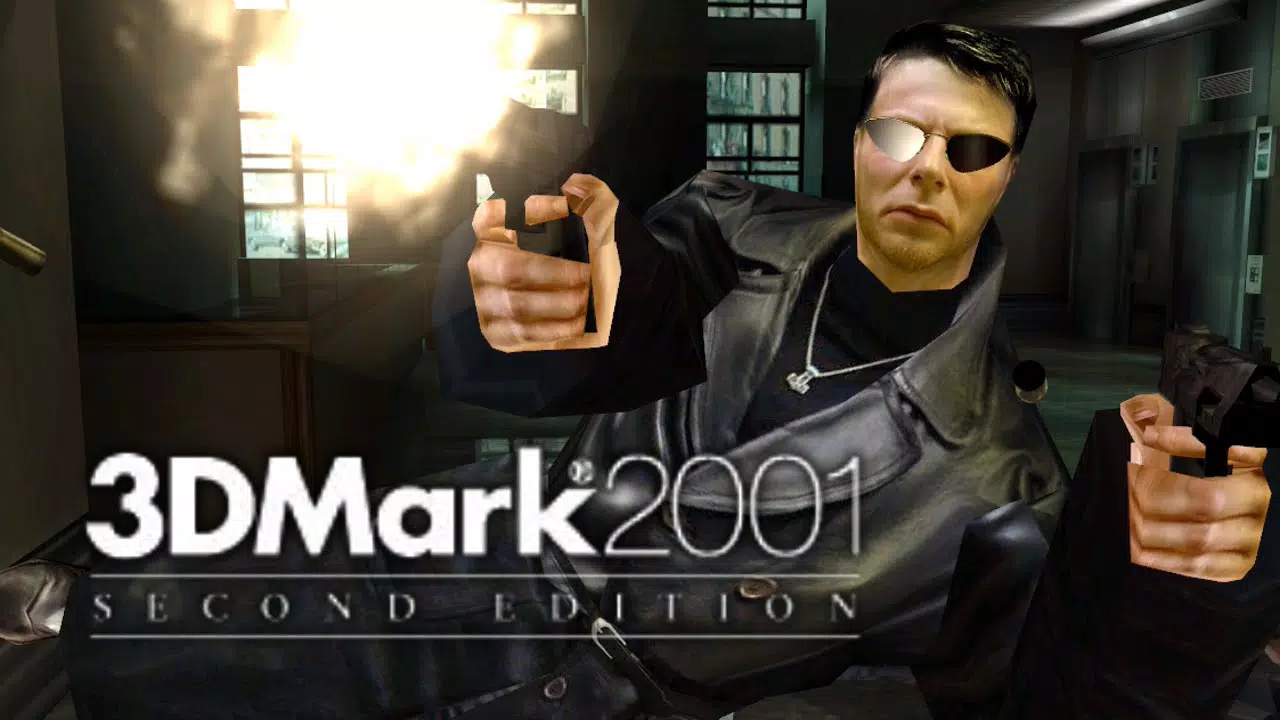
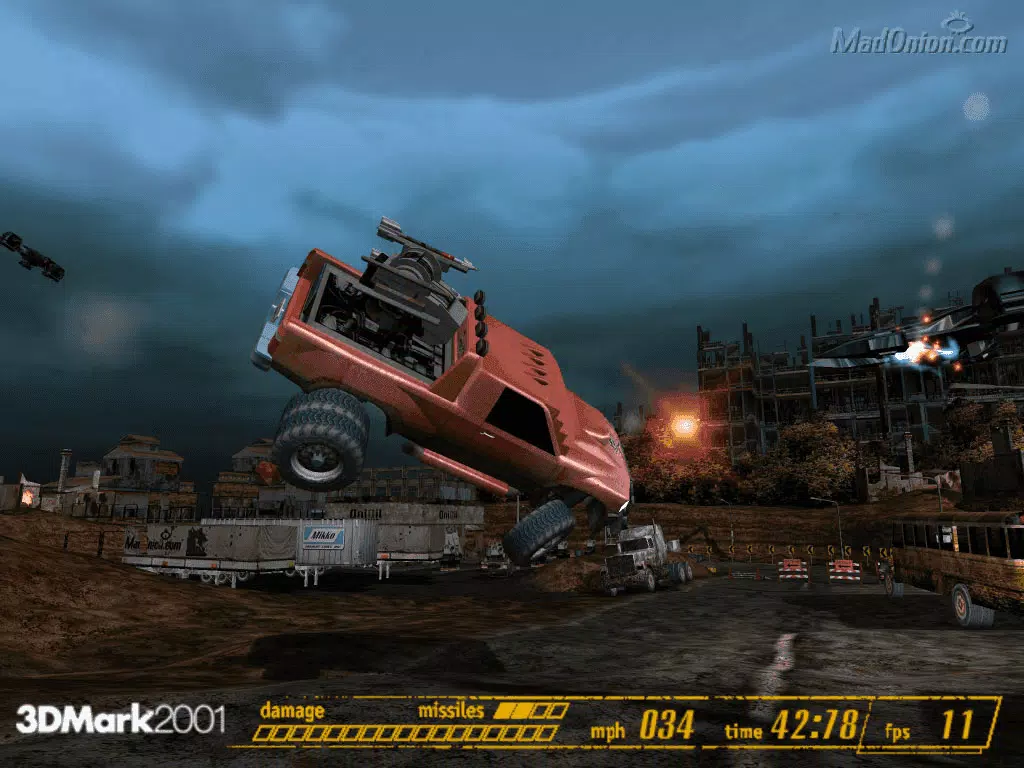
- New Graphics and Game Tests: Features four distinct game-style benchmarks that simulate complex 3D rendering scenarios. These tests provide a forward-looking view of how hardware might perform with emerging game content, helping users anticipate future gaming demands.
- Cooperation with Major Manufacturers: Developed in collaboration with leading 3D accelerator and processor brands, ensuring that the benchmarking methodology reflects real-world performance across a broad spectrum of hardware configurations.
- Demo Mode: Offers a visually immersive experience that showcases real-time 3D graphics advancements. This mode is ideal for demonstrating hardware capabilities to users or in presentations, providing a non-technical yet impactful visualization of system performance.
- Pro Version Upgrade Option: Available for $39.95, the Pro version includes advanced automation features such as batch testing, command-line execution, and a professional result browser with full Windows compatibility. This enhances usability for technical users and system evaluators requiring repeatable, scalable testing.
Each feature is designed to serve specific real-world use cases. For example, the game tests help users compare their system’s performance against known benchmarks before purchasing new hardware. The Pro version’s automation tools are especially valuable in environments where multiple systems need to be evaluated efficiently, such as in retail or IT support settings.
Interface, UX & Performance
The interface of 3DMark2001 reflects the design standards of early 2000s Windows applications, featuring a straightforward layout with clear navigation between test modes and results. Users can access the demo mode, run benchmarks, and view performance scores through a minimalistic dashboard. The visual style is functional rather than modern, prioritizing clarity and performance over aesthetic polish.
Navigation is linear and intuitive, guiding users through setup, test execution, and result analysis. Although the developer did not list formal performance metrics, the application operates efficiently within its intended scope, delivering consistent results across compatible systems. The tool is lightweight, with a file size of 12.5 MB, indicating optimized resource usage for its era.
Performance stability is expected to be reliable on systems that meet the minimum requirements, though specific compatibility details were not disclosed. Responsiveness is appropriate for benchmarking tasks, with minimal lag during test execution. The application does not report crashes or instability in its documented use cases, suggesting a stable runtime environment for its target audience.
Platform Compatibility & Technical Requirements
3DMark2001 is designed for the Windows platform and requires a system running a compatible version of Windows. The software version is 2.0.1, with a file size of 12.5 MB, indicating a compact installation footprint. It is optimized for systems with DirectX 8.0 support, making it suitable for mid-2000s PCs equipped with 3D accelerators.
Although the developer did not specify minimum OS requirements or hardware specifications, the application’s focus on DirectX 8.0 suggests compatibility with Windows 98, ME, 2000, and XP. The absence of detailed system requirements means users should exercise caution when installing on modern systems, as backward compatibility may be limited. The tool is not available for mobile platforms such as Android or iOS, as it is a desktop utility.
Pros and Cons
Pros
- Established benchmarking standard within the 3DMark series
- DirectX 8.0 support ensures compatibility with legacy gaming hardware
- Includes real-world game-like tests for practical performance evaluation
- Pro version offers automation and professional result analysis tools
- Lightweight installation at 12.5 MB
Cons
- Released in 2001, limiting relevance for modern hardware testing
- Not compatible with current operating systems without emulation
- Limited interface modernization for contemporary user expectations
- Requires manual setup and lacks automated reporting features in base version
- Price of $39.95 may be considered high for a legacy tool
FAQ
Is 3DMark2001 compatible with modern Windows systems?
Compatibility with current Windows versions is not guaranteed. The application was designed for older systems and may require emulation or virtualization to run on modern operating systems.
Can I use 3DMark2001 for upgrading my gaming PC?
Yes, the tool can help assess whether your current 3D accelerator and processor meet the performance thresholds for running games that rely on DirectX 8.0. However, it may not reflect performance for modern titles.
What is the difference between the standard and Pro versions?
The Pro version includes batch testing, command-line support, and a professional result browser with full Windows compatibility, enabling automated and scalable benchmarking for technical users.
Is 3DMark2001 safe to download and install?
As a legacy application developed by Futuremark, it is considered safe when downloaded from official sources. However, users should exercise caution and scan files with antivirus software, especially when using older software on modern systems.
How do I update 3DMark2001?
Updates were not released after version 2.0.1. As a historical benchmark, it is no longer actively maintained, so no official update mechanism exists.
Final Thoughts
3DMark2001 remains a historically significant benchmarking tool, particularly for users maintaining or evaluating legacy PC systems. Its focus on DirectX 8.0, real-time 3D graphics, and collaboration with major hardware manufacturers ensures a reliable performance assessment for its time. While outdated by modern standards, it still holds value for retro computing enthusiasts, hardware archivists, and IT professionals working with older systems.
For those seeking to understand the performance of early 2000s hardware or validate compatibility with classic games, 3DMark2001 offers a dependable and insightful solution. The Pro version further enhances its utility for technical users requiring automation and detailed reporting.
Download 3DMark2001 now


